
Alerts
Thirteen places FishOut can send a mention, each with its own relevance floor, so the right things interrupt the right people.
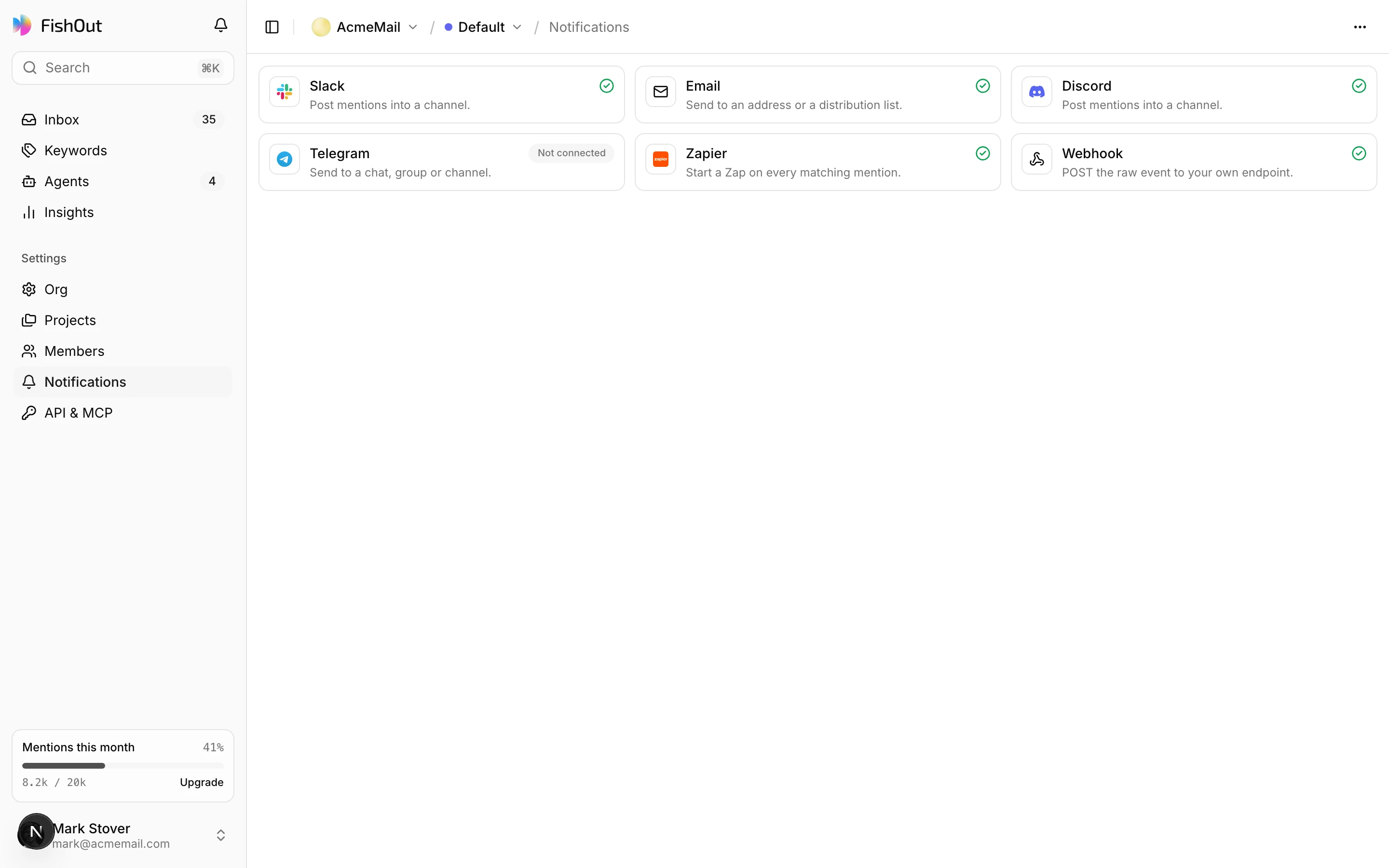
Alerts push mentions out of FishOut as they arrive. Set them up under Settings → Notifications. Each channel has its own relevance floor and its own events, because not everything deserves the same interruption.
Channels
| Channel | Destination | Typical use |
|---|---|---|
| Slack | A channel, through an incoming webhook | The team queue — #brand-watch |
| Microsoft Teams | A channel, through a Workflows webhook | The same, for teams on Teams |
| Google Chat | A space | The same, for Google Workspace |
| Discord | A channel | Community teams who live there |
| Mattermost | A channel on your own server | Self-hosted chat |
| Telegram | A chat, group or channel | Founders who want it on their phone |
| ntfy | A topic | Push notifications to your phone |
| Feishu / Lark, DingTalk, WeCom | A group chat | Teams working in those apps |
| A member of your organization | On-call, or someone who does not use chat | |
| Zapier | A Catch Hook | Anything else — CRM, sheets, task tracker |
| Webhook | Your endpoint | Your own systems, or n8n, Make, Activepieces and Pipedream. See Webhooks |
Every channel is on every plan, including Free. Compare plans.
Chat and push messages carry the relevance, the Reply call and its hint, the labels, and links to the post and to FishOut. The post text itself is never sent to a chat app or an inbox; open the link to read it. Email goes only to the verified address of a member of the organization, and stops if they leave.
Relevance floors
Every channel takes a minimum relevance, from 0 to 100:
#brand-watchat 60 — the team sees what is worth reading.- On-call email at 85 — only the posts that clearly matter wake anyone.
- A webhook with no floor — your systems can filter for themselves.
A channel with a floor only sends posts that have been triaged. A channel with no floor becomes a channel nobody reads within a fortnight. Set it high and lower it if you find you are missing things.
Events
Each channel subscribes to the events it cares about:
| Event | Fires when |
|---|---|
mention.created | A mention is collected, before triage |
mention.scored | Triage has finished: relevance, labels and the Reply call exist |
reply.drafted | A reply draft is written |
Most channels want mention.scored — that is the first moment the relevance floor can be
applied. The event list also offers mention.status_changed, which is not sent yet.
Bursts
A thread goes viral and twenty posts match in three minutes. Nobody wants twenty pings.
So chat, push and email channels batch bursts by default. The first mention is sent at once and opens a window — 5 minutes unless you pick 1, 15, 30 or 60. Anything else that matches inside the window is held, and when it closes you get one digest: how many, the five most relevant, and a link to the rest in the inbox. If a keyword is spiking, the digest leads with it. Then the channel is quiet again, and the next mention is sent at once.
Webhook and Zapier channels send each mention instantly by default, because a machine wants every event and can group them itself. Either setting can be changed per channel. Each integration guide shows a digest in that destination's own look.
Drafted replies, test sends and an agent's notify actions are always instant.
Frequency
Alerts fire as soon as a mention clears the floor, so the ceiling is how often FishOut collects: every hour on Reddit, Hacker News, Bluesky, GitHub and Google News on every plan, and every 15 minutes on Reddit, Hacker News and Bluesky for keywords you mark Fast. YouTube and Medium are checked every 6 hours, and LinkedIn, TikTok and X daily, on paid plans. See Plans.
When a channel stops delivering
Test sends a message now, and each channel keeps a delivery history showing what the destination answered. Each channel also shows a health state:
| State | Meaning |
|---|---|
| Healthy | Delivering |
| Degraded | Some failures. Usually rate limiting at the destination |
| Failing | Nothing is getting through |
| Paused | Turned off by someone on your team |
The usual causes, in order: the channel or space the webhook pointed at was archived or deleted, the app or bot was removed, or a webhook endpoint is returning a non-2xx status. Failures are shown per channel rather than as one global error, so a broken webhook never silently stops your Slack alerts.