
Organisations and teams
Organisations, projects, the four roles, and how an agency keeps one client's mentions away from another's.
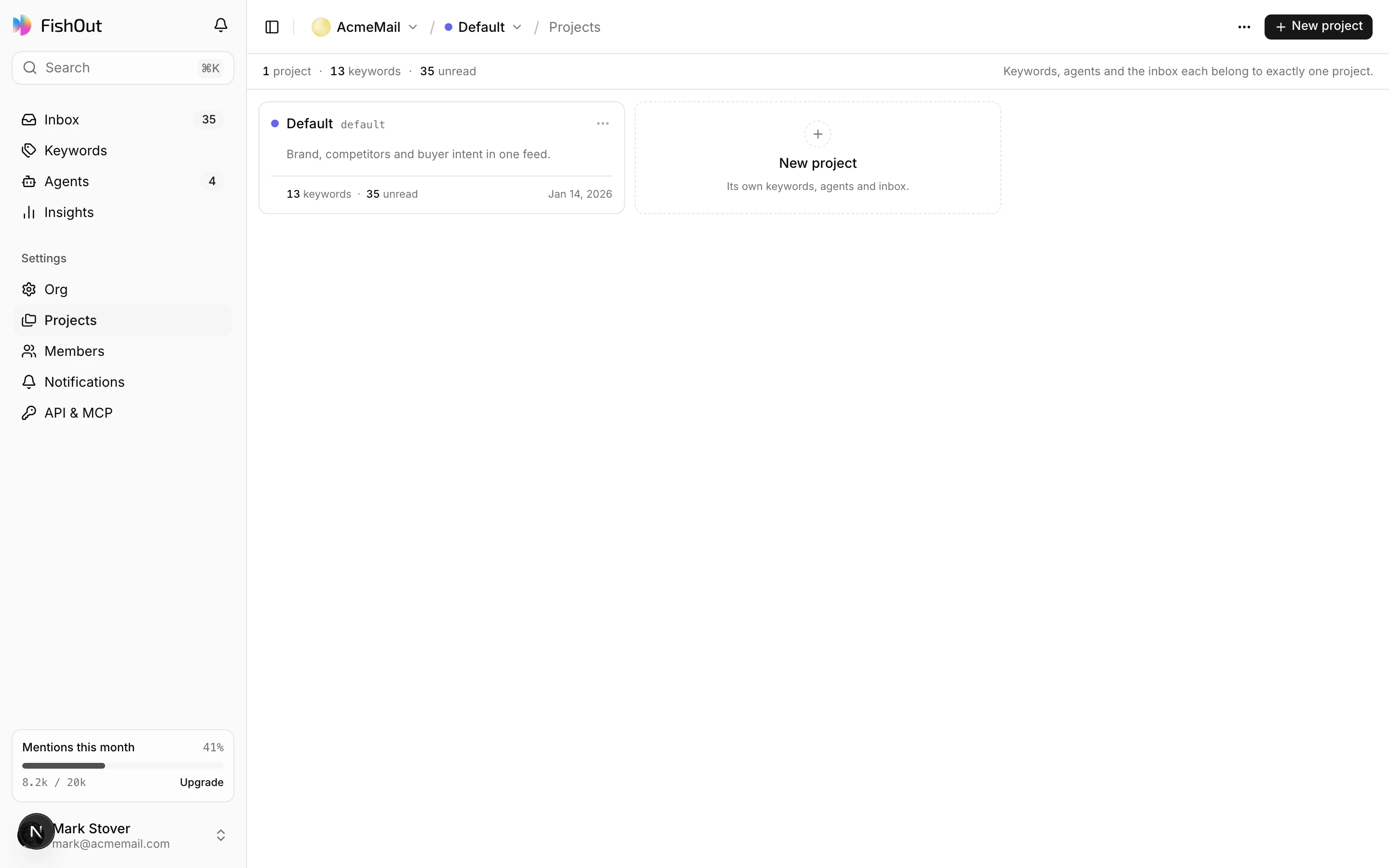
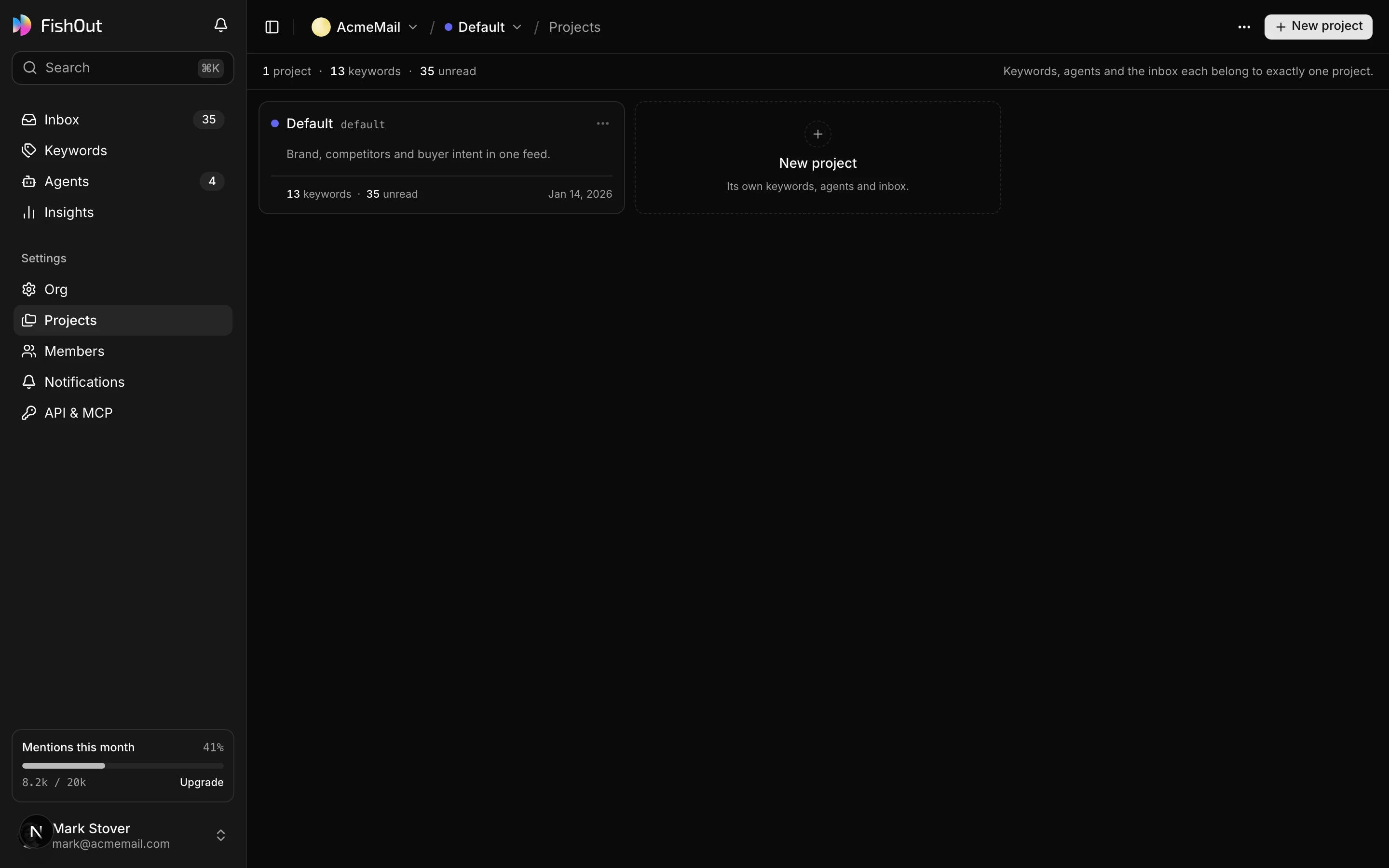
An organisation is your company. Inside it, projects hold the Brief, keywords, labels, agents and the mentions they collect. Members belong to the organisation and can be limited to specific projects.
Projects
Most teams need one project. You want more when the keyword sets should not mix:
- An agency — one project per client, so nobody sees the wrong inbox.
- A company with distinct products — separate keyword sets, separate queues, separate insights.
- A campaign — a bounded set of keywords you will pause later.
Free has one project; every paid plan has unlimited projects. Keyword limits are per organisation, not per project, so splitting into more projects does not buy more keywords.
Roles
| Role | Can |
|---|---|
| Owner | Everything, including agency funding, making someone else an owner and deleting the organisation |
| Admin | Everything except agency funding, changing owners and deleting the organisation. Manages billing, invites and removes people |
| Member | Works the inbox — replies, keywords and agents — on the projects they can see |
| Viewer | Reads mentions and insights. Changes nothing and never replies |
Viewer is the one worth knowing about. It is for the people who should see the work but not touch it — a client, an executive, a stakeholder who wants the weekly picture. Give them a viewer seat scoped to their project rather than a screenshot.
Team members are unlimited on every plan, including Free. Seats are not the thing we charge for.
Project scoping
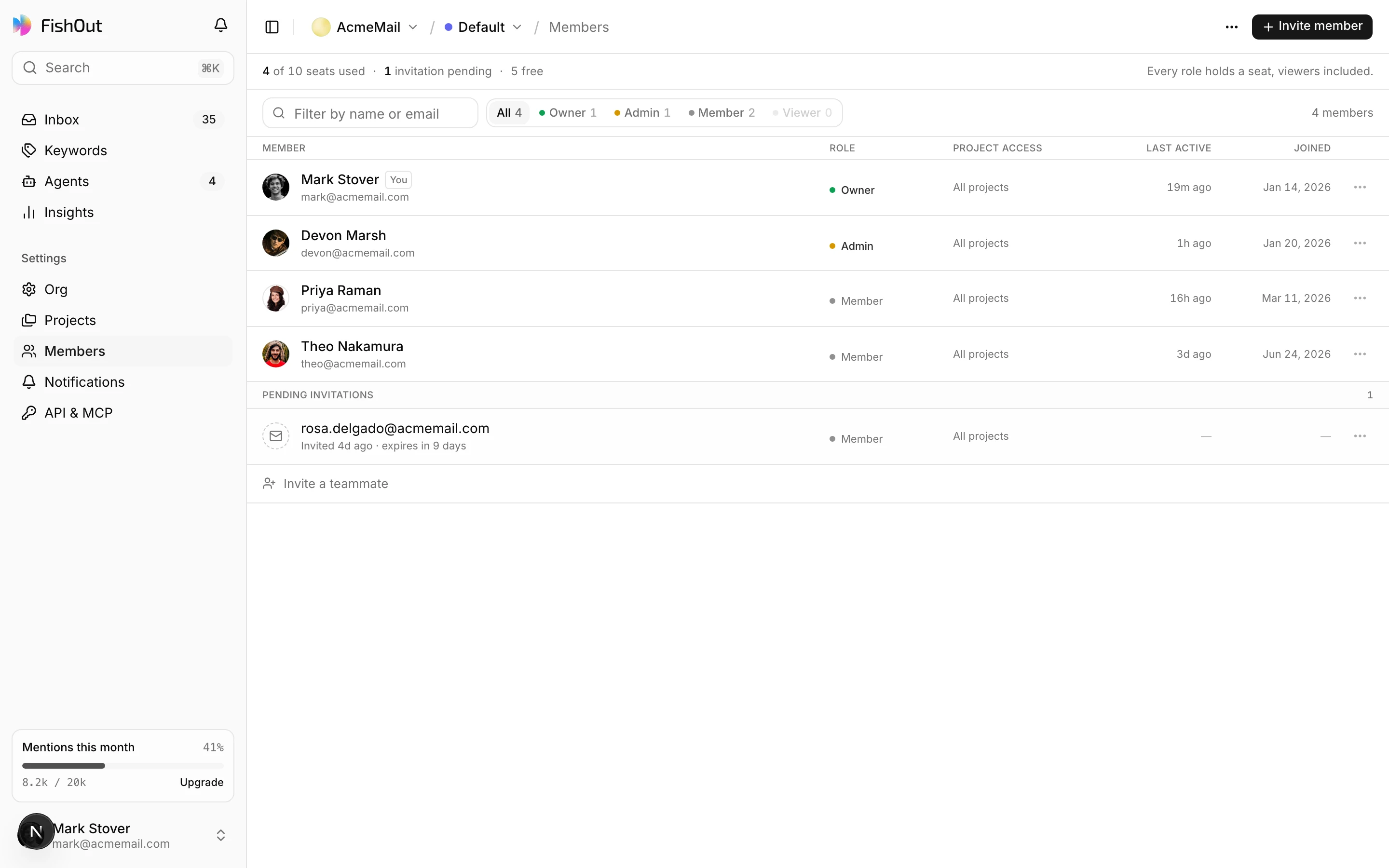
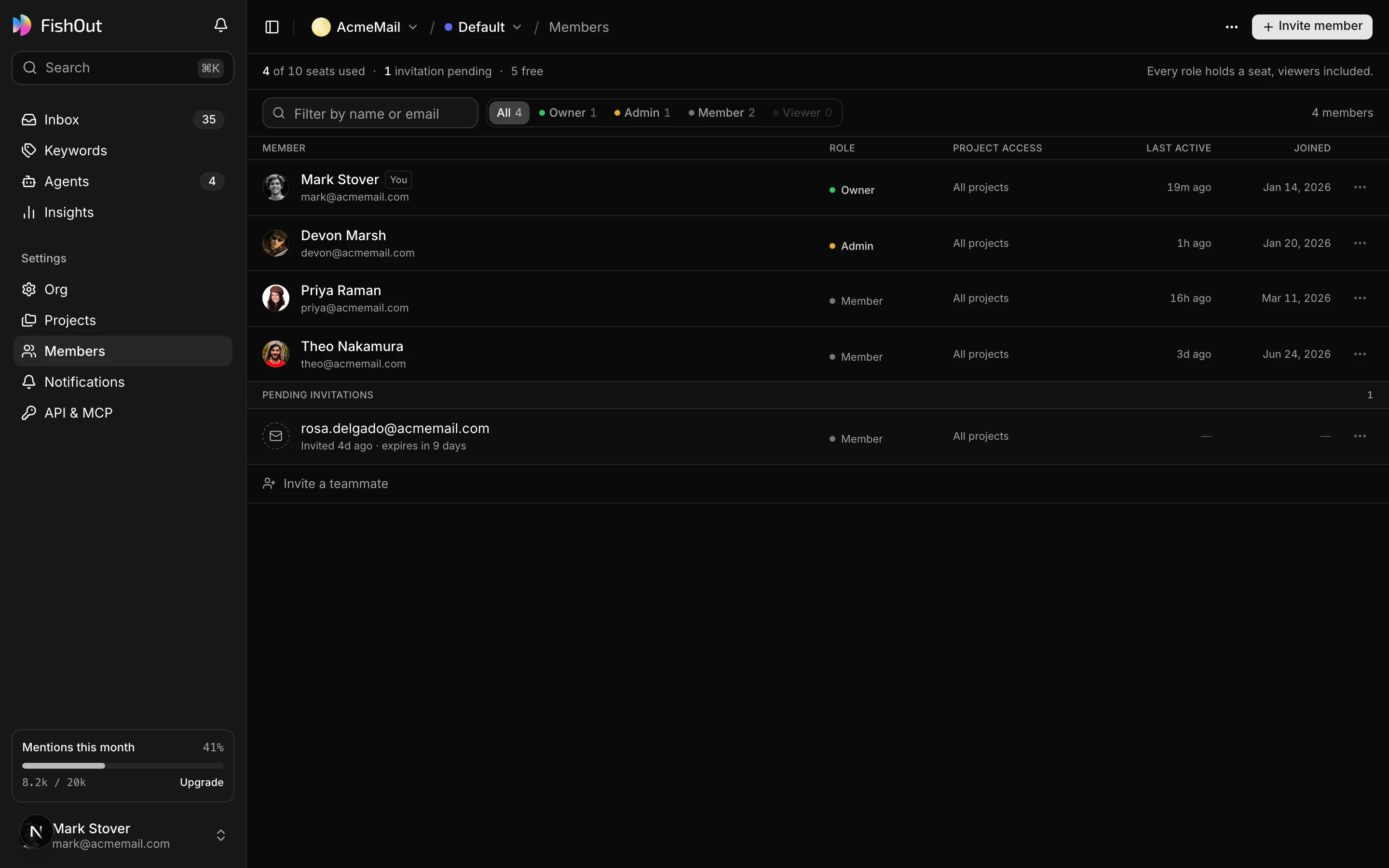
A member can be limited to specific projects. This is what makes the agency setup work: the person on Client A's account cannot open Client B's inbox, and an API key issued for one project cannot read another.
Invitations
Invite by email with a role and a project list. An invitation is pending until accepted and can be revoked before then. Changing someone's role takes effect immediately — there is no re-invite.