
Keywords
What to track, how to tell FishOut which sense of a word you mean, and what happens when you add one.
A keyword is a term FishOut watches for. Everything the product does starts here — a weak keyword set cannot be fixed downstream by triage.
Three kinds
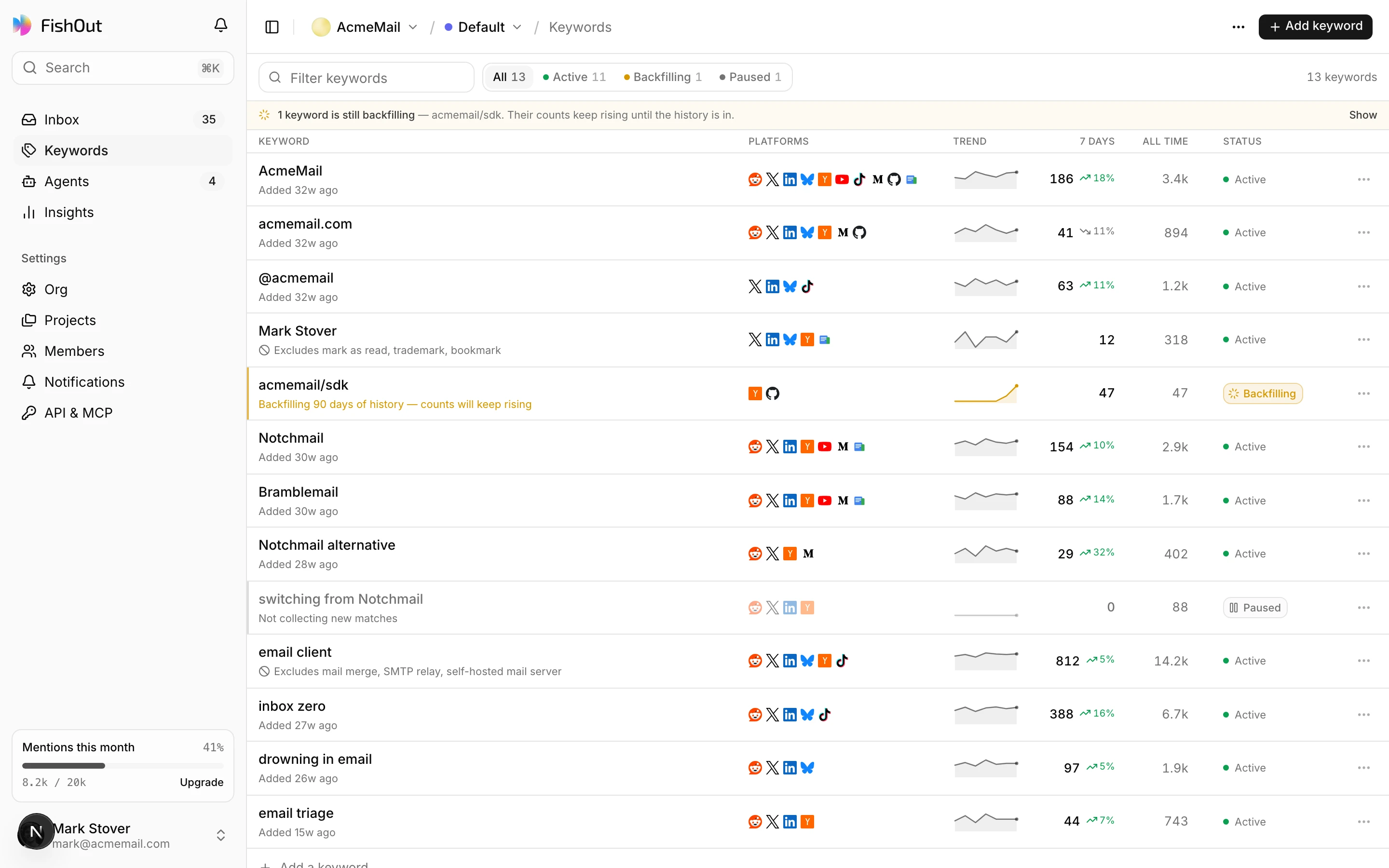
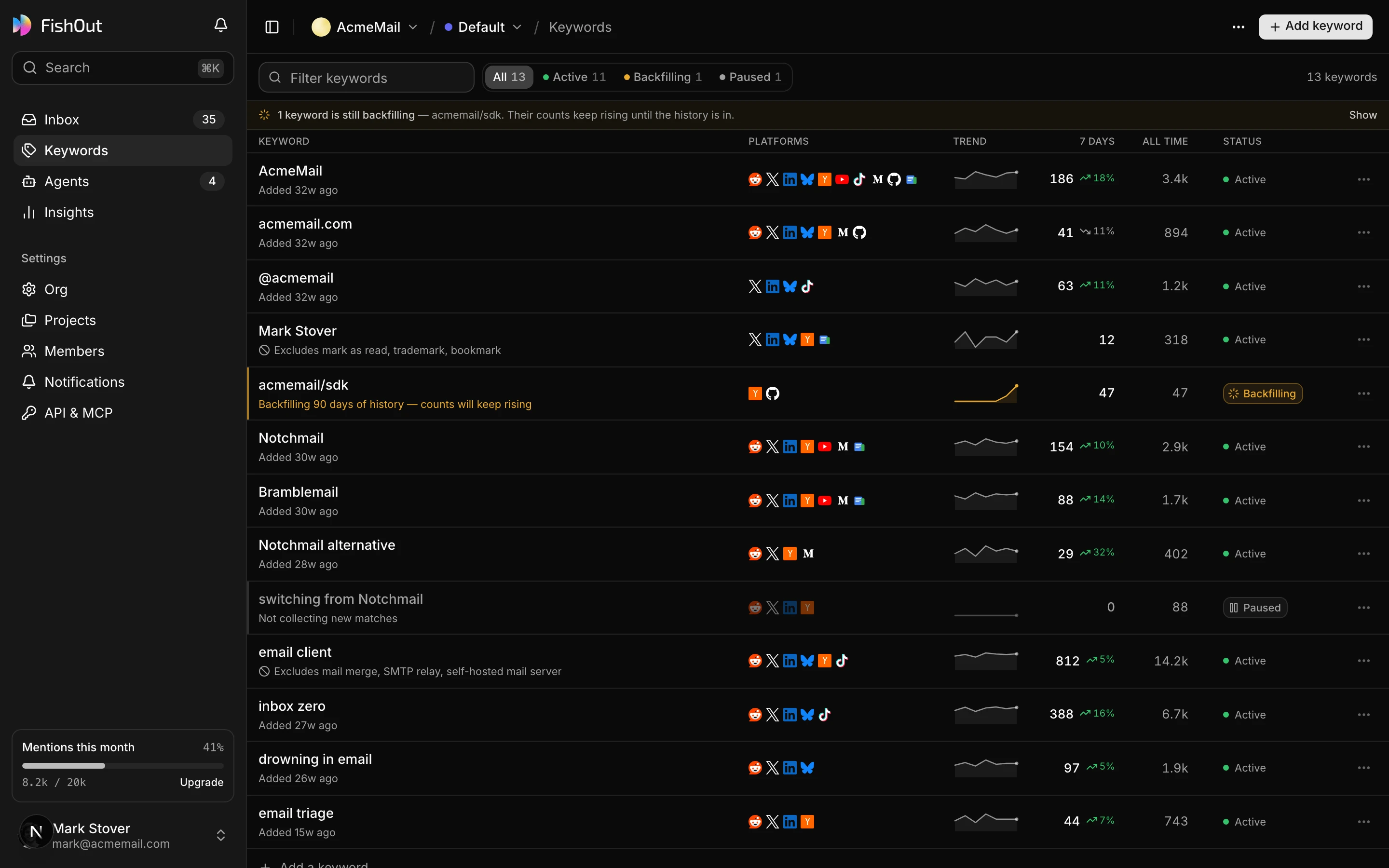
Every keyword is one of three kinds, and the kind decides which views it feeds:
| Kind | Example | What it finds |
|---|---|---|
| Brand | AcmeMail, @acmemail, acmemail.com | Everything said about you — your names, handles, domains and people |
| Competitor | Notchmail, Bramblemail | People frustrated with them, or comparing you to them |
| Topic | inbox zero, drowning in email | People with the problem you solve who have never heard of you |
Topics are the ones people skip. Your brand name finds conversations that already include you; a problem phrase finds the ones that should. Keep topics broad on purpose — relevance sorts them.
Means
Means… is an optional line saying which sense of the term you mean:
AcmeMail— the AcmeMail email app, not mail sent by Acme CorpNotchmail— Notchmail the email client, not the notch in a phone screen
The AI reads it with every post when it judges relevance, so an ambiguous word does not flood the inbox. It is the first thing to add to a keyword that is also an ordinary word.
Advanced filters
Exact filters, applied before any AI. Most keywords need none of these.
| Filter | Does |
|---|---|
| Exclude words | Drops a match that contains any of them — this is how you stop mail matching mail merge |
| Must also mention | Keeps a match only when it also contains one of these. Useful for a broad term |
| Match as written | On by default: whole words and phrases only. Turn it off to also match inside longer words |
| Only these sources / Skip these sources | Subreddits, YouTube channels, code repos or publications, as the platform names them |
| Posts and replies | Watch posts, replies, or both |
A post dropped here never reaches the AI and never counts toward anything.
Platforms
Each keyword runs on the platforms you choose from those on your plan — five on Free, all ten on paid plans. A repo name belongs on GitHub and Hacker News; a consumer brand does not need watching on GitHub. Narrowing a keyword by platform is often cheaper than narrowing it by words. See Platforms.
Fast keywords are checked every 15 minutes on Reddit, Hacker News and Bluesky instead of hourly. Other keywords stay hourly.
Backfill
Adding a keyword brings recent posts with it: 2 days on Free, 30 on Plus, 60 on Pro and 90 on Business. The keyword shows as Backfilling while that runs, and its counts keep rising until the history is in. Matches reach the inbox as they arrive.
States
| State | Meaning |
|---|---|
| Backfilling | Collecting available history. New matches arrive normally in the meantime |
| Active | Collecting on your plan's schedule |
| Paused | Not collecting. Existing mentions stay; nothing new arrives |
Pausing is better than deleting when a campaign ends — you keep the history and can resume without a second backfill.
A keyword can also show a Spike badge when it is getting far more relevant posts today than it usually does, and a Noisy · checked daily badge — see below.
Noisy keywords
A keyword whose posts are filtered out more than 200 times in a day is slowed to a daily check. It speeds back up after you edit it or after a week. The fix is usually a Means line or a few exclude words.
Limits
10 keywords on Free, 50 on Plus, 200 on Pro, 500 on Business. Each keyword runs on every Core platform and counts once; each keyword on LinkedIn, TikTok or X also uses one premium placement (5 on Plus, 20 on Pro, 50 on Business), and each Fast keyword uses one from the Fast allowance (5 on Plus, 50 on Pro, 150 on Business). Paused keywords still count against the limit. See Plans.